
Produce reports and verify an exported bundle
Produce the reports your board, auditor or buyer needs, including the Audit Evidence Pack, and let a recipient check that an exported bundle has not changed.
Produce the reports your board, auditor or buyer needs, and give anyone who receives an export a way to check it has not changed. In our worked example, Sam Taylor at Northwind Analytics Ltd produces an Audit Evidence Pack and sees how a buyer would verify it.
Before you start
- You are a Governance Lead or a Member to produce reports.
- Verifying an exported bundle needs no account. Anyone who receives a bundle can check it.
Steps
Open the Reports page
Open the Reports page.
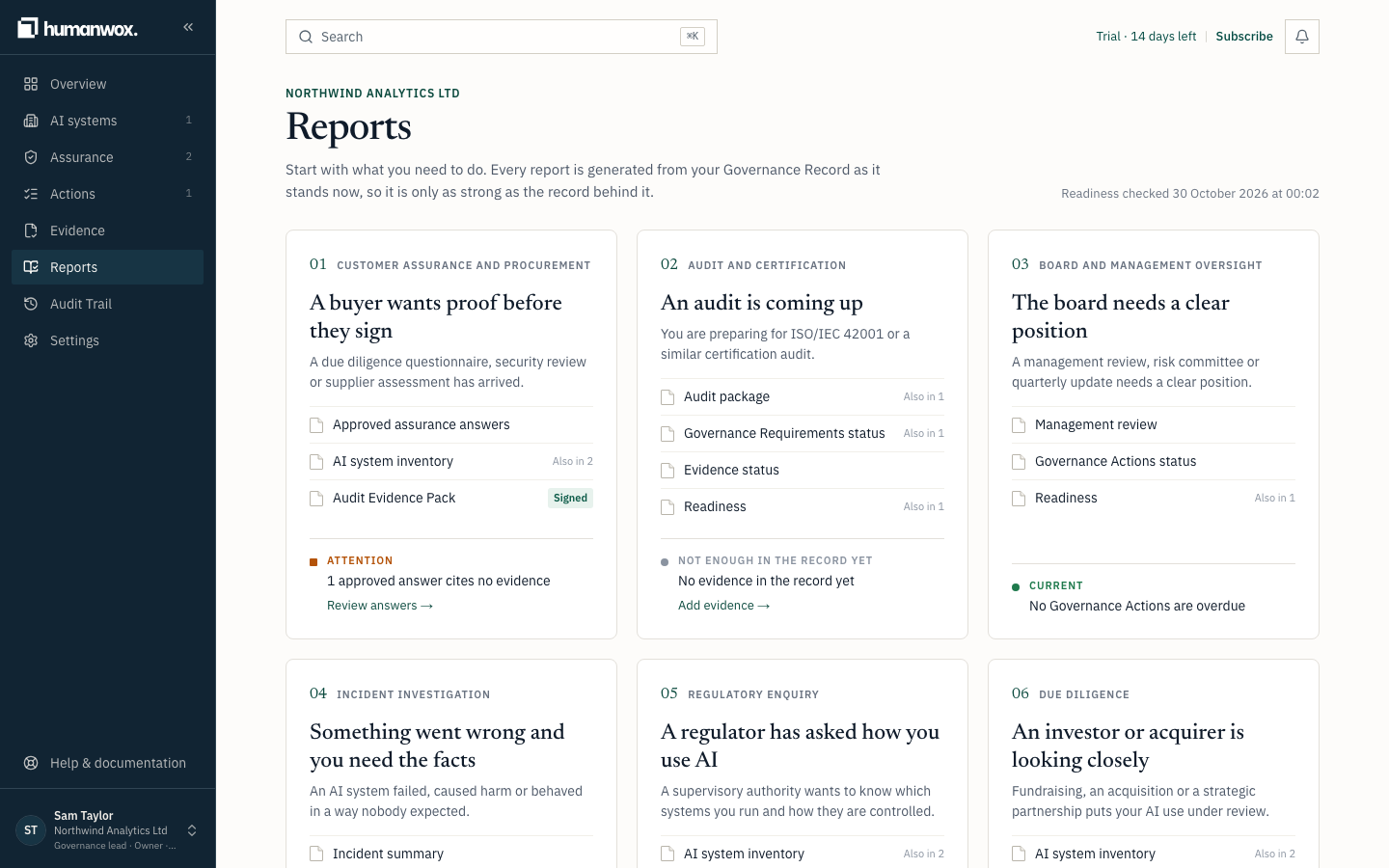
You see the reports you can produce: Approved assurance answers, AI system inventory, Audit Evidence Pack, Audit package, Governance Requirements status, Evidence status, Readiness, Management review, Governance Actions status, Incident summary, Decision log and Event reconciliation.
In the record nothing changes. A report is a view of the record, produced on demand.
Produce the Audit Evidence Pack
Select Audit Evidence Pack.
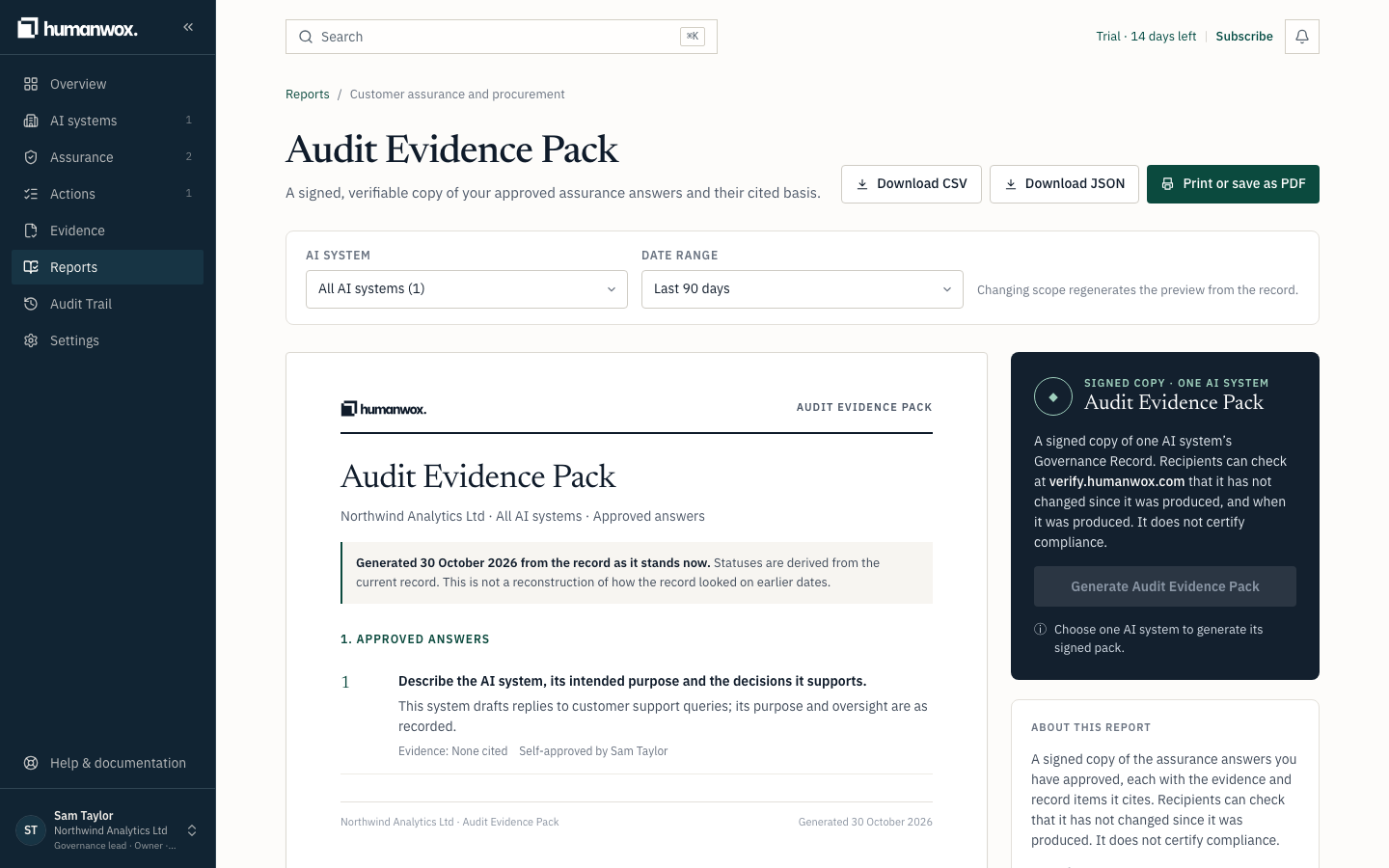
You see a signed copy of the assurance answers you have approved, each with the evidence and record items it cites. A recipient can check it has not changed since it was produced. It does not certify compliance.
In the record nothing changes. The pack is produced from the approved answers and the items they cite, as they stand.
Verify an exported bundle
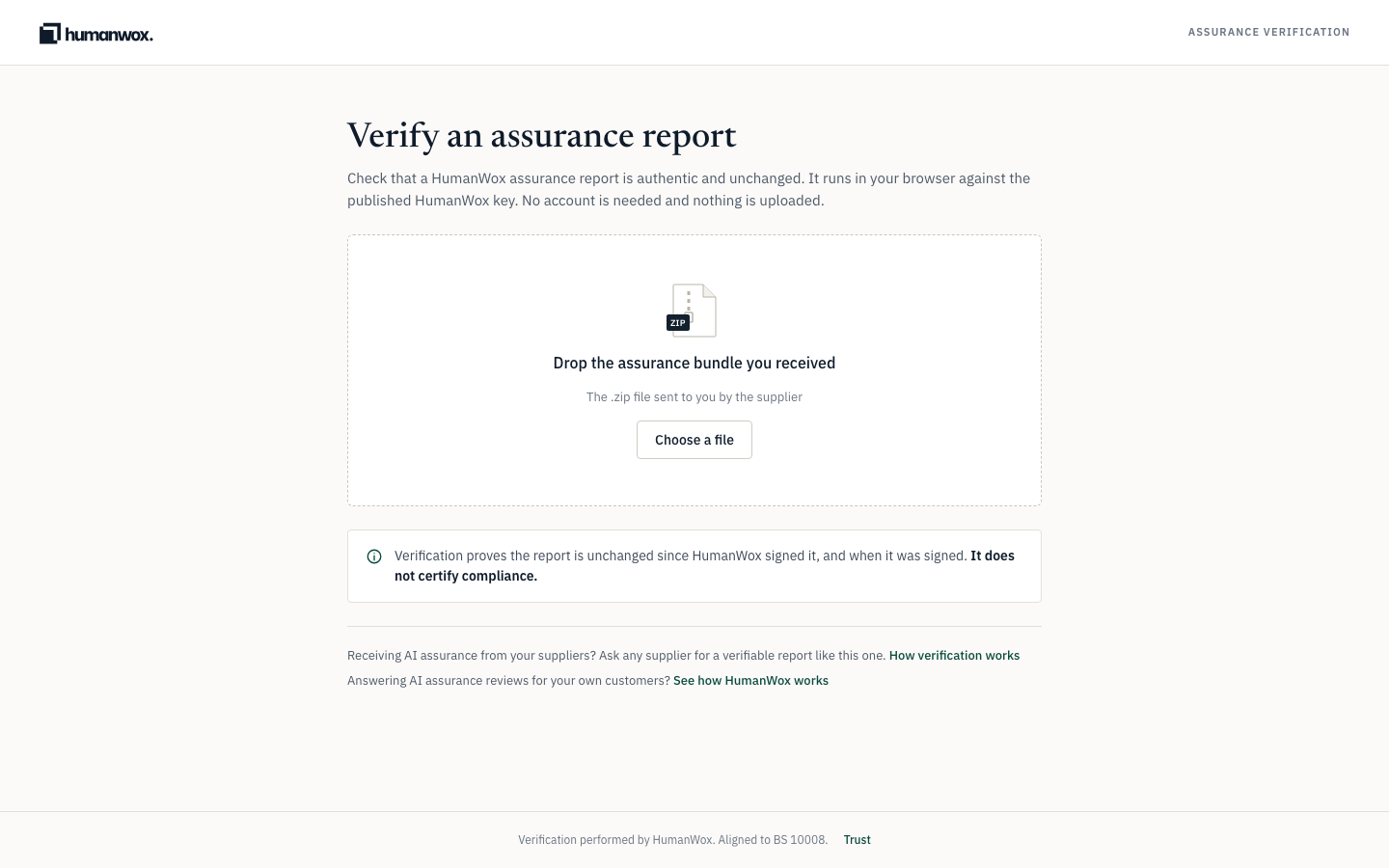
Anyone who receives a bundle can check it at verify.humanwox.com. Drop the .zip file the supplier sent.
You see a verdict about the bundle.
The verdict is one of the following.
| Result | What it means |
|---|---|
| Verified | The report is authentic and has not changed since HumanWox signed it, with when it was signed. |
| Files match, but not signed | Every file matches, so any change would be detected, but the bundle carries no HumanWox signature. |
| Not verified | The file was changed after signing, or the signature or timestamp did not check out. Do not rely on it, and ask the sender for the original. |
| Not signed by HumanWox | The file is signed, but not with a published HumanWox key. Treat it as unverified. |
| File not recognised | This is not a HumanWox bundle, or it is incomplete or damaged. No verdict is given. |
What verification proves
Verification proves the report is unchanged since HumanWox signed it, and when it was signed. It does not certify compliance.
Note
A bundle exported where there is no signing key reads Files match, but not signed. It is still tamper-evident: any change to a file would be detected. It simply carries no HumanWox signature.
Why it works this way
The record is the source, and every report is a view of it. Verification lets a recipient trust a file rather than the person who sent it: any change after export is detectable.
If something looks different
- A result reads "Files match, but not signed". The bundle was exported where there is no signing key. It is still tamper-evident, but it carries no signature.
- A result reads "Not signed by HumanWox". The bundle is signed, but not with a published HumanWox key. Treat it as unverified and ask the sender for the original.
Related guides
Work through your Governance Actions
Where Governance Actions come from, how to work through them, the ways to dismiss one, and why some come back.
Manage your organisation profile, team and security
Set your organisation profile, manage your team and roles, invite members, and turn on two-factor authentication.